What are Teams?
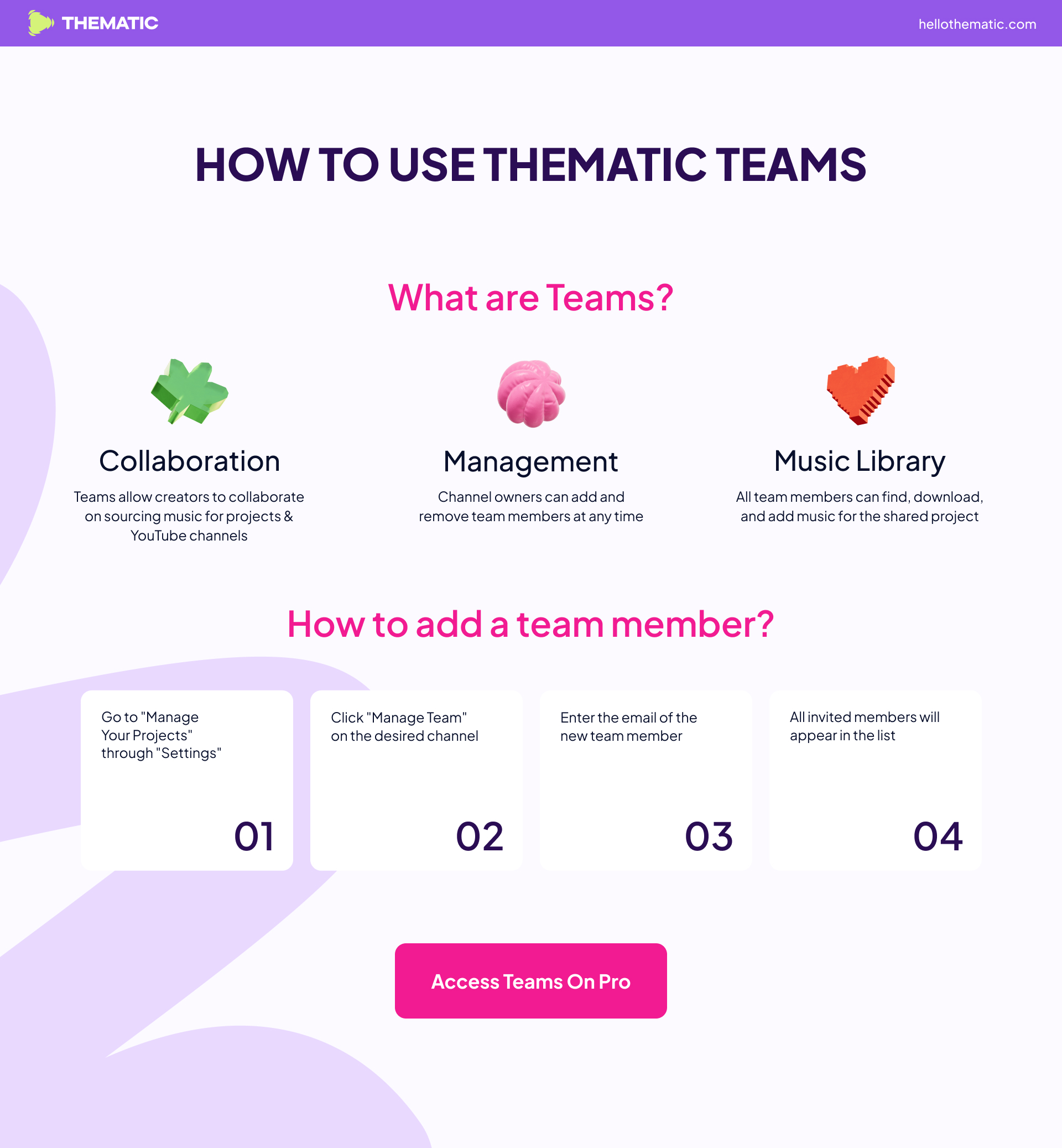
Teams are a powerful feature that lets creators collaborate on music selection and licensing for shared projects.
-
Channel owners can easily add or remove team members at any time.
-
All team members can search for, download, and add music to the shared project library.
-
Teams streamline collaboration, making it simple to coordinate music choices for your group’s videos or campaigns.
How to Create and Manage Your Team

Step 1: Access the Manage Channels Page
-
Click your Profile Photo in the top-right corner of the screen.
-
Select Switch Account from the dropdown menu.
-
Click Manage Channels.
Step 2: Select Your Project or Channel
-
Find the channel or project you want to manage in the list.
Step 3: Manage Your Team
-
Click the Manage Team button on your selected project.
-
From here you can:
-
Add team members by entering their email addresses to send invites.
-
Remove team members at any time.
-
View current team members and their roles.
-
Step 4: Collaborate
-
Once added, team members can search for, download, and add music for the shared project - making collaboration easy and efficient.
Build your team today and streamline your creative process!
Frequently asked questions
Can I add multiple people to my account?
Yes. As a Pro subscriber, you can add multiple team members to a channel or project through the Manage Team page. Each member gets their own access to search, download, and add music to the shared library.
